NATIONAL COMPUTER SAKSHARTA MISSION Quality Computer Education
NCSM is committed to delivering quality Computer Education, Skill Development, JEE-NEET preparation, and Competitive Exam coaching across India. With 10 lakh+ students empowered through certified, career-oriented programs, NCSM continues to shape brighter futures through excellence in education, innovation, and practical learning.
Empowering Minds. Your Skills. Your Power.
Course Categories
Choose from our wide range of IT & vocational programs designed for all skill levels.





Leadership Insights
Hear from our leadership team on NCSM's vision, mission, and commitment to quality education.
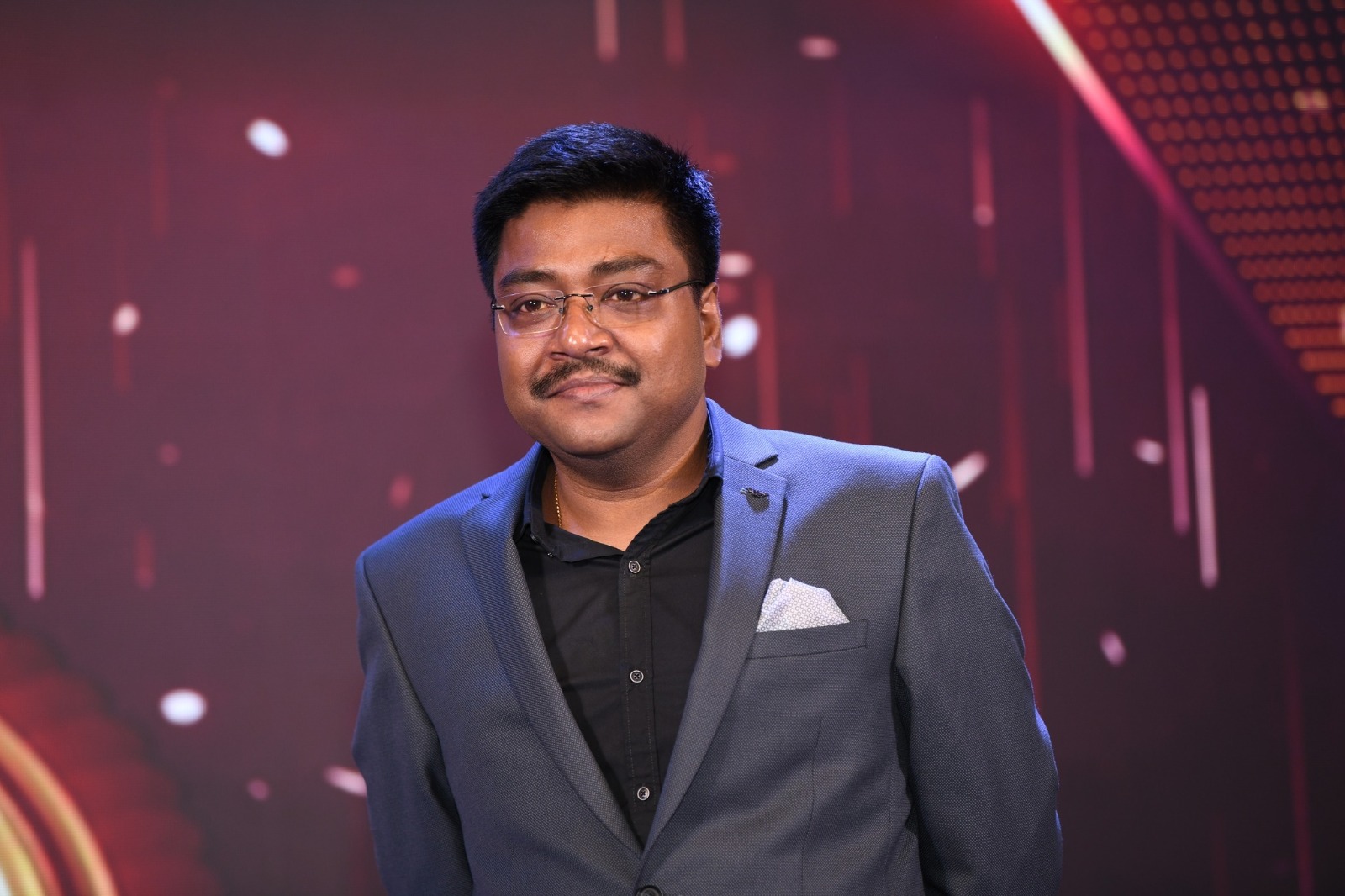
S. S. Kundu
Chairman, NCSM

Digital literacy is not just a skill—it is the foundation of an inclusive, empowered, and progressive nation.
Mr. S. S. Kundu, with over 24 years of experience in education and skill development, has been the driving force behind the growth of NCSM. Under his visionary leadership, NCSM and Pragati Private ITIs have empowered thousands through quality education, vocational training, and industry-relevant skills. His commitment to excellence continues to inspire the mission of building a skilled, self-reliant, and digitally empowered India.
Read More →Technology, innovation, and leadership together create the foundation for sustainable progress.
With over 22 years of experience in education, technology, and organisational management, Mr. K. S. Kundu has been instrumental in positioning NCSM as a leading organisation in education and skill development. Holding a Master of Computer Applications (MCA) degree, he combines technical expertise with strategic vision to successfully lead large-scale government and industry initiatives. Recognised for his innovation-driven approach, dynamic leadership, and ability to build high-performing teams, he continues to drive organisational excellence and advance NCSM's mission of empowering lives through technology and quality education.
Read More →Experience, integrity, and execution driving educational excellence.
With over 30 years of experience as a former senior management-level Government official in the Department of Technical Education, Government of West Bengal, Mr. Saibal Sengupta leads the operational planning and execution of NCSM's education, skill development, and vocational training programmes. His expertise in administration, project implementation, regulatory compliance, and institutional coordination ensures the successful delivery of large-scale Government and industry initiatives. Renowned for his disciplined leadership and strategic vision, he plays a pivotal role in driving operational excellence and delivering measurable social impact.
Read More →
Ongoing Projects
NCSM is actively running government-certified programs across 6 states — empowering students with career-ready skills.
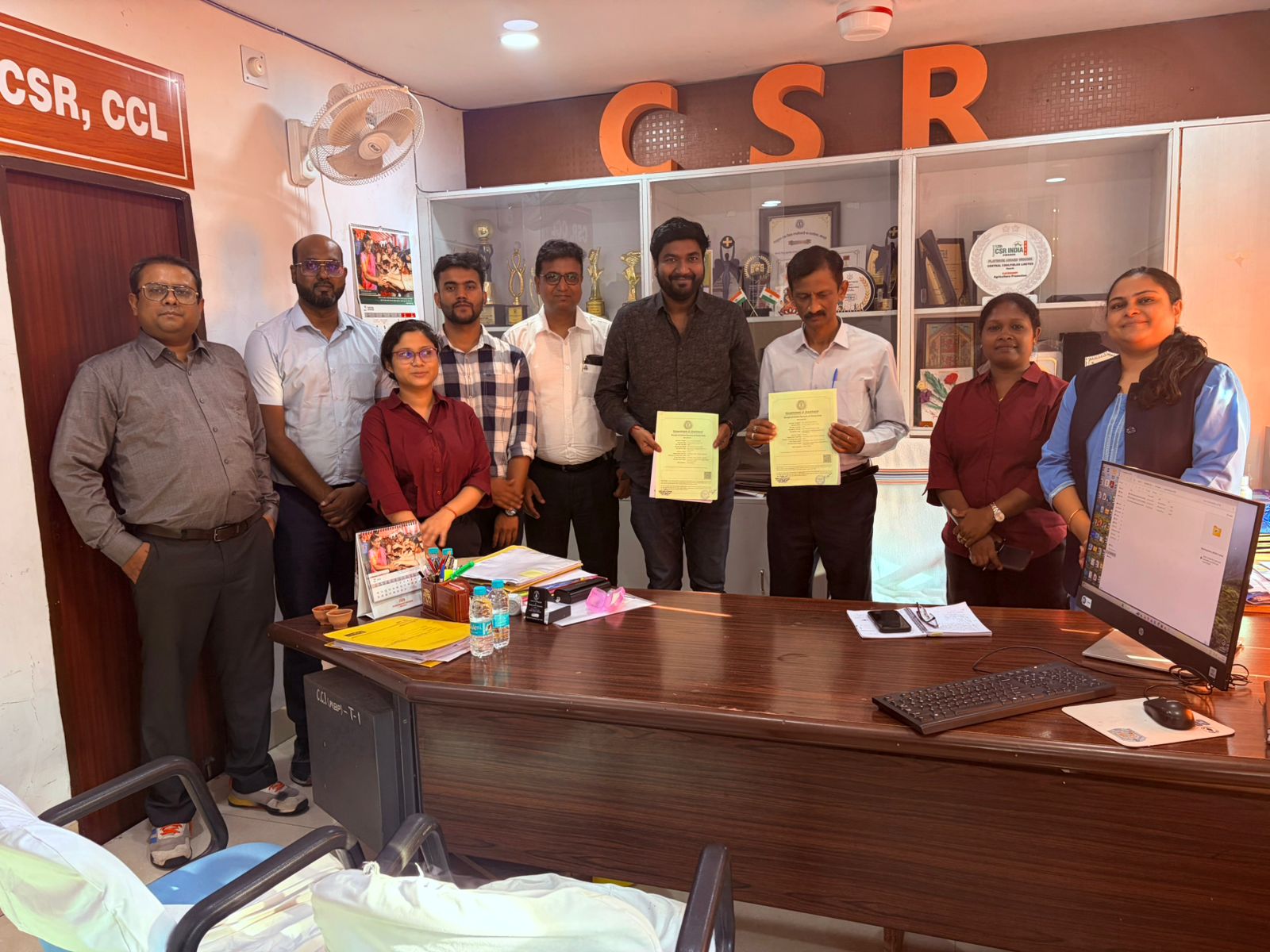
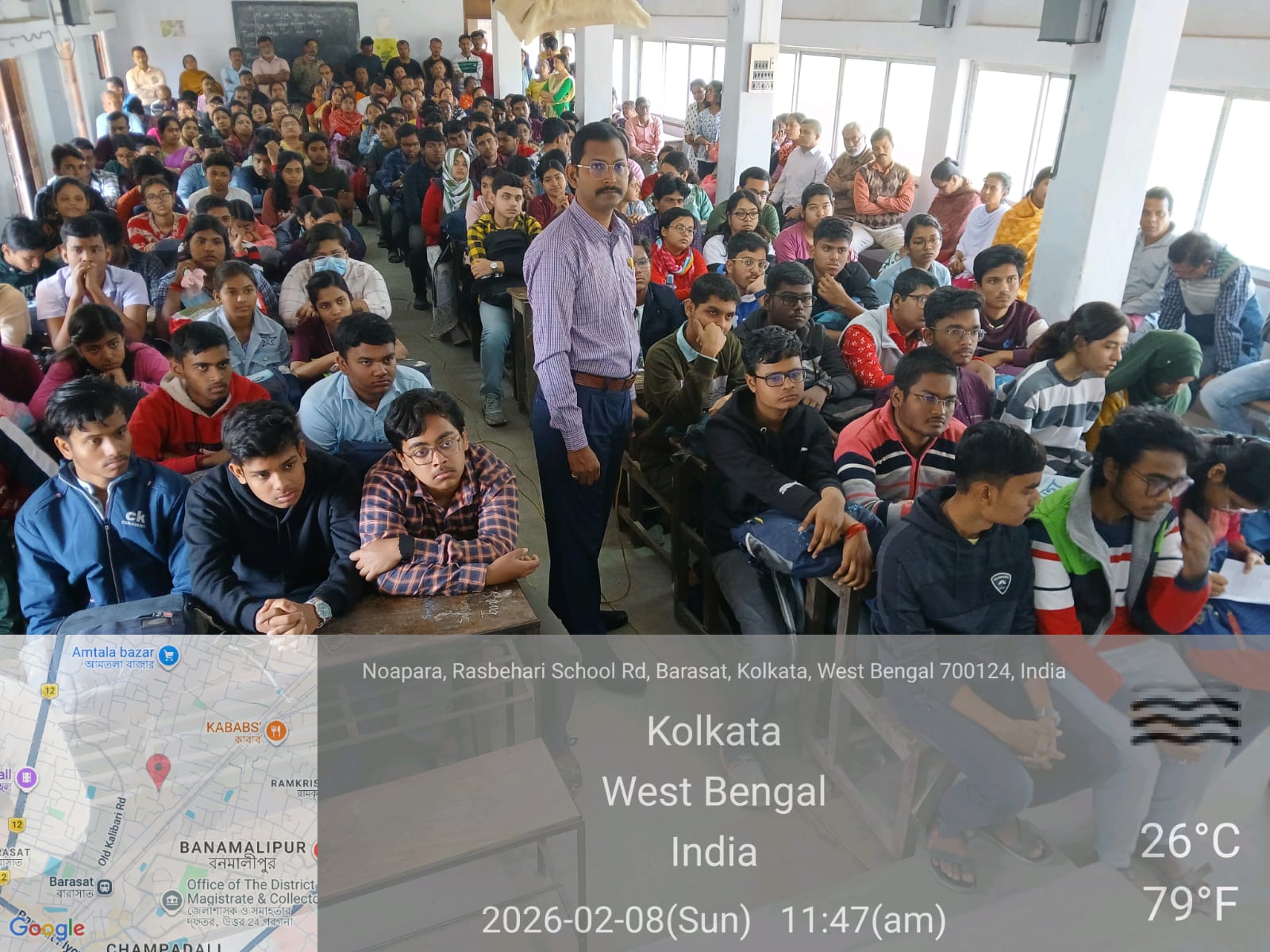 Ongoing
Featured & Popular Courses
Explore our government-recognized computer and IT certification programs trusted by students across India.

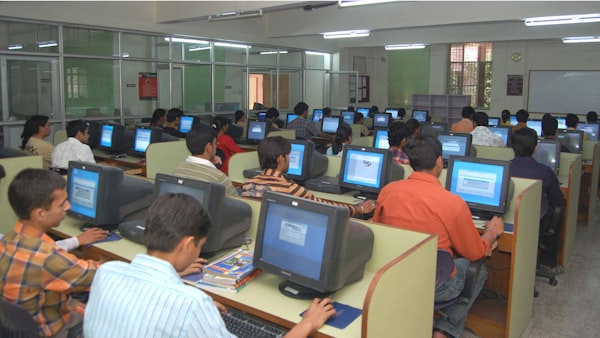 Computer
CERTIFICATE COURSE IN STENOGRAPHY (CCS)
* STENOGRAPHY & TYPING FUNDAMENTALS * SHORTHAND THEORY & SYMBOL MASTERY * SPEED BUILDING & ACCURACY TRAINING * TRANSCRIPTION & DICTATION SKILLS * Practical & Project Work (Capstone Module)
ComputerCERTIFICATE COURSE IN TALLY PRIME WITH GST (CTPG)
* FUNDAMENTALS OF ACCOUNTING & INTRODUCTION TO TALLY PRIME * COMPANY SETUP, LEDGER CREATION & VOUCHER ENTRIES * INVENTORY MANAGEMENT & STOCK CONFIGURATION IN TALLY PRIME * BANKING TRANSACTIONS, PAYROLL & RECONCILIATION * GST CONCEPTS: REGISTRATION, RULES & STRUCTURE * IMPLEMENTING GST IN TALLY PRIME (INVOICING, INPUT/OUTPUT TAX, RETURNS) * ADVANCED FEATURES IN TALLY PRIME: COST CENTERS, BUDGETS & MIS REPORTS * Practical & Project Work (Capstone Module)
ComputerCERTIFICATE COURSE IN DIGITAL MARKETING WITH AI (CDM)
* DIGITAL MARKETING & AI INTEGRATION * CONTENT CREATION & PERSONALISATION WITH AI * AI-POWERED SOCIAL MEDIA & INFLUENCER MARKETING * DATA-DRIVEN MARKETING & AUTOMATION * AI IN PAID ADVERTISING & CAMPAIGN OPTIMISATION
ComputerCERTIFICATE COURSE IN MICROSOFT POWER BI - DATA ANALYST (CCMPDA)
* DATA FOR ANALYSIS WITH MICROSOFT EXCEL * DATA MODELLING IN POWER BI * DATA ANALYSIS AND VISUALISATION WITH POWER BI * AI & OPTIMISATION IN POWER BI * Practical & Project Work (Capstone Module)
ComputerCERTIFICATE COURSE IN DATA SCIENCE (CDS)
* FOUNDATIONS OF DATA SCIENCE & PYTHON PROGRAMMING * DATA COLLECTION, CLEANING & VISUALISATION * DATABASES, SQL & EXPLORATORY DATA ANALYSIS (EDA) * MACHINE LEARNING & PREDICTIVE MODELLING * Practical & Project Work (Capstone Module)
Find an NCSM Study Center
With 5,000+ authorized study centers across 28 states, find a center near you and start your learning journey today.
- Govt. authorized centers
- Trained instructors
- Affordable fee
Choose both location fields above to view study centers available in your area.

We Work With






Our Gallery
A glimpse into NCSM's events, award ceremonies, and milestones across India.
No gallery images are available right now.
What Our Students Say
“My name is Suman Barman. I was brought up in Mahajambari, a village in the Uttar Dinajpur district of West Bengal. My father, Mr. Ranjan Barman, is a small businessman in Samaspur. After completing my regular schooling, I joined the National Computer Saksharta Mission (NCSM), Itahar Centre, where I completed the Basic Computer Programme. To further strengthen my knowledge and skills, I also completed an Advanced Computer Training Programme from the NCSM Itahar Centre. The training programmes gave me a strong foundation in computer skills and helped me become more confident in handling digital tools. They have improved my ability to learn, communicate, and work efficiently in a technology-driven environment, preparing me to take on new opportunities with greater confidence.”
“My name is Rupa Das. I was born and brought up in a middle-class family in a small village called Kashimpur, located in Hemtabad, Uttar Dinajpur district, West Bengal. After completing my schooling, I joined the National Computer Saksharta Mission (NCSM), Hemtabad Centre, where I completed the DIPLOMA IN OFFICE APPLICATION AND MANAGEMENT (DOAM). This training played an important role in my personal and professional development. It helped me build my confidence and develop the essential computer skills needed to work effectively in today’s modern, technology-driven world. My journey from a small village to becoming confident in using modern computer technology has taught me that education, skill development, and determination can open new doors and create better opportunities in life.”
Contact Us
Reach out for admissions, center registration, or any queries. Our team responds within 24 hours.